John (Caner) Kuru
6 min read
6 min read
Discover how to manage scheduled local notifications in your Expo app efficiently. This guide walks you through setting up and customizing notifications to enhance user engagement with step-by-step instructions and practical code examples.
Hello everyone! I've been working on an exciting React Native project lately and, I recently reached a stage where I needed to set up intelligently scheduled notifications to maintain user engagement.
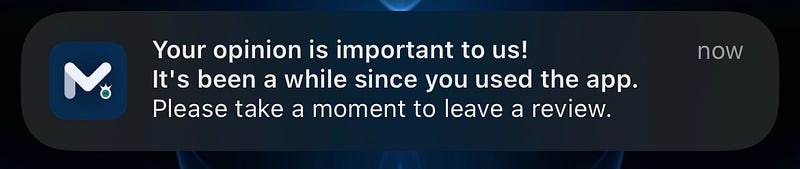
To achieve this, we've decided to send a notification, requesting a review or feedback from users two weeks after they create their account and, Local Notifications turned out to be the perfect solution for this!
Since I'm the only Mobile Developer in this project, I decided to build it with Expo because it provides a library that supports me through development to deployment, and Expo enables me to work much more efficiently and quickly.
I thought it would be valuable to share my experience and the approach I took with all of you. Please feel free to leave a comment if you find any areas for improvement in the code, have questions or just simply for anything.
Let's begin!
$ npm install expo-notifications
Remember to modify the paths of the icon and sound files based on your codebase for Android devices.
To set the icon and color properties for Android devices, you'll need to configure the app.json file. On the other hand, iOS devices will detect the icon and background color automatically.
{
  "expo": {
    "plugins": [
      [
        "expo-notifications",
        {
          "icon": "./src/assets/notification-icon.png",
          "color": "#082849",
          "sounds": ["./local/assets/notification-sound.wav"]
        }
      ]
    ]
  }
}Alright, folks! Now let's dive into creating our useLocalNotification subscriber hook. The code you see below is adapted from the Expo documentation, but I needed to make some adjustments to better align it with TypeScript.
import { useState, useEffect, useRef } from 'react';
import * as Notifications from 'expo-notifications';
import { registerForPushNotificationsAsync } from 'utils/handle-local-notification';

interface ILocalNotificationHook {
expoPushToken: string | undefined;
notification: Notifications.Notification;
}

export const useLocalNotification = (): ILocalNotificationHook => {
  const [expoPushToken, setExpoPushToken] = useState('');
  const [notification, setNotification] = useState({} as Notifications.Notification);
  const notificationListener = useRef<Notifications.Subscription | undefined>();
  const responseListener = useRef<Notifications.Subscription | undefined>();

useEffect(() => {
registerForPushNotificationsAsync().then((token) => {
setExpoPushToken(token || '');
});

    notificationListener.current = Notifications.addNotificationReceivedListener((notification) => {
      setNotification(notification);
    });

    responseListener.current = Notifications.addNotificationResponseReceivedListener((response) => {
      setNotification(response.notification);
    });

    return () => {
      if (notificationListener.current?.remove) {
        notificationListener.current.remove();
      }
      if (responseListener.current?.remove) {
        responseListener.current.remove();
      }
    };

}, []);

return { expoPushToken, notification };
import { useState, useEffect, useRef } from 'react';
import * as Notifications from 'expo-notifications';
import { registerForPushNotificationsAsync } from 'utils/handle-local-notification';

export const useLocalNotification = () => {
  const [expoPushToken, setExpoPushToken] = useState('');
  const [notification, setNotification] = useState({});
  const notificationListener = useRef();
  const responseListener = useRef();

useEffect(() => {
registerForPushNotificationsAsync().then((token) => {
setExpoPushToken(token || '');
});

    notificationListener.current = Notifications.addNotificationReceivedListener((notification) => {
      setNotification(notification);
    });

    responseListener.current = Notifications.addNotificationResponseReceivedListener((response) => {
      setNotification(response.notification);
    });

    return () => {
      if (notificationListener.current?.remove) {
        notificationListener.current.remove();
      }
      if (responseListener.current?.remove) {
        responseListener.current.remove();
      }
    };

}, []);

return { expoPushToken, notification };
};
We will use these functions to get user permissions and trigger the notification process.
I've created this file in utils folder in my codebase.
If you wish to test the feature without having to wait for two weeks, simply replace the value of the TWO_WEEKS variable with "1" for the number of seconds you want to test.
import * as Device from 'expo-device';
import * as Notifications from 'expo-notifications';
import { Platform } from 'react-native';

const TWO*WEEKS = 60 * 60 _ 24 * 14;

export const schedulePushNotification = async () => {
  await Notifications.scheduleNotificationAsync({
    identifier: "review",
    content: {
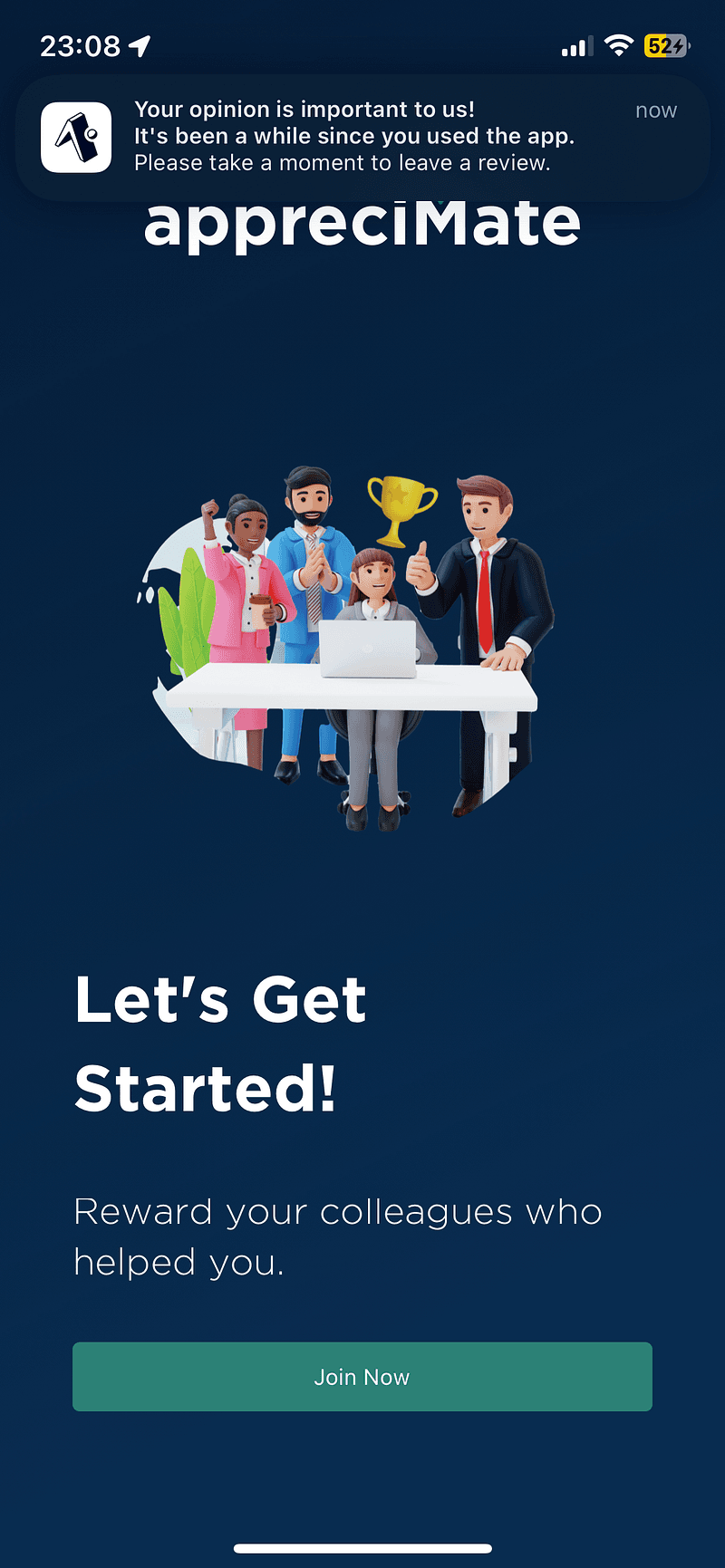
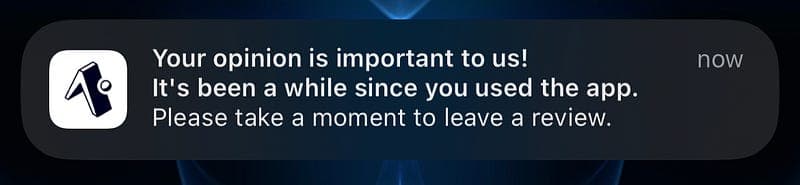
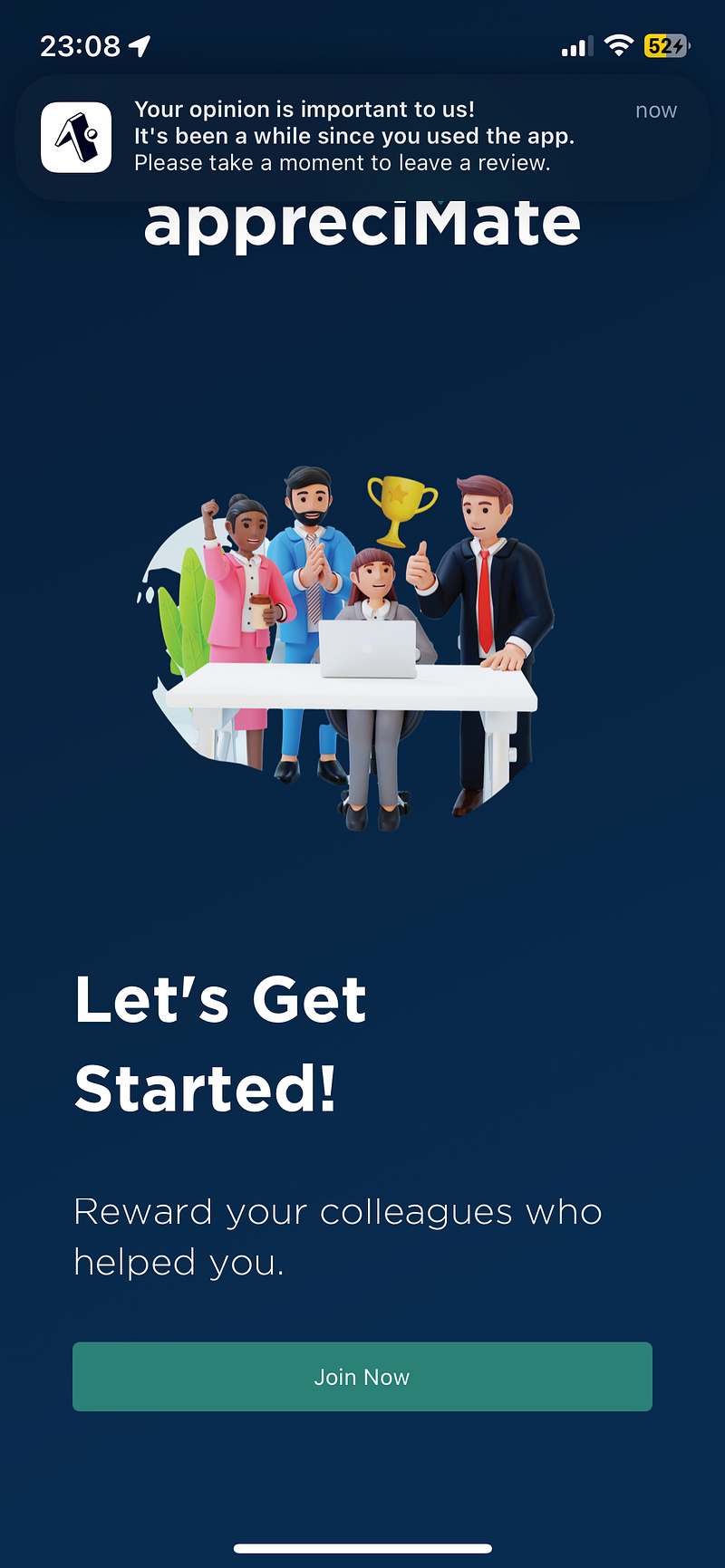
      title: "Your opinion is important to us!",
      subtitle: "It's been a while since you used the app.",
      body: "Please take a moment to leave a review.",
    },
    trigger: {
      seconds: TWO_WEEKS,
    },
  });
};

export const registerForPushNotificationsAsync = async () => {
  let token: string = '';

if (Platform.OS === 'android') {
await Notifications.setNotificationChannelAsync('default', {
name: 'default',
importance: Notifications.AndroidImportance.MAX,
vibrationPattern: [0, 250, 250, 250],
lightColor: '#FFAABBCC',
});
}

if (Device.isDevice) {
const { status: existingStatus } = await Notifications.getPermissionsAsync();
let finalStatus = existingStatus;
if (existingStatus !== 'granted') {
const { status } = await Notifications.requestPermissionsAsync();
finalStatus = status;
}
if (finalStatus !== 'granted') {
alert('Failed to get push token for push notification!');
return;
}
token = (await Notifications.getExpoPushTokenAsync()).data;
} else {
alert('Must use physical device for Push Notifications');
}

return token;
};
useLocalNotification hook will request a permission from user upon the initial launch of the App. Therefore, I have positioned it to be invoked on the Welcome screen, immediately following the SlackScreen.
import { useLocalNotification } from "hooks/useLocalNotification";
import * as Notifications from "expo-notifications";
import { schedulePushNotification } from "utils/handle-local-notification";
import { Button } from "react-native";
Notifications.setNotificationHandler({
  handleNotification: async () => ({
    shouldShowAlert: true,
    shouldPlaySound: false,
    shouldSetBadge: false
  })
});
export const App = () => {
  useLocalNotification();
  const handleLocalPushNotification = async () => {
    await schedulePushNotification();
  };
  return (
    <Button
      title="Press to schedule a notification"
      onPress={handleLocalPushNotification}
    />
  );
};
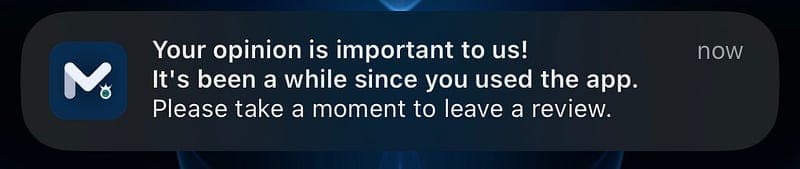
To display the app icon, I had to build and deploy the changes to the App Store and Google Store. Running the app on the Expo app displays the Expo icon instead.
This is merely one example of its usage and the possibilities, scenarios are limitless. If you come across any other innovative ways to utilize Local Notifications, please share them in the comments.
In the near future, I will continue sharing additional features related to React Native and Expo apps. I am developing highly valuable components, utility functions, hooks, and more while developing this application.. If you are interested and wish to be among the first to know when I post my next blog, don't forget to subscribe to my blog.
If there are any aspects you feel I may have overlooked while installing Local Navigation into your Expo app, please don't hesitate to leave a comment and reach out to me for any improvements, bug reports, or other inquiries.
I kindly invite you to express your support through clapping. This simple gesture allows me to gauge how many individuals I've had the privilege to assist. Many thanks to you all!
References:
https://docs.expo.dev/versions/v48.0.0/sdk/notifications/
The functionality has only been tested in the specified environment listed below:
Environment: